You have two options here, both of which have been discussed here somewhere. I’ll post links to it/them if I can find them.
- Remove the star-wheels permanently. I did this on my first 1430. It works great but is a permanent modification.
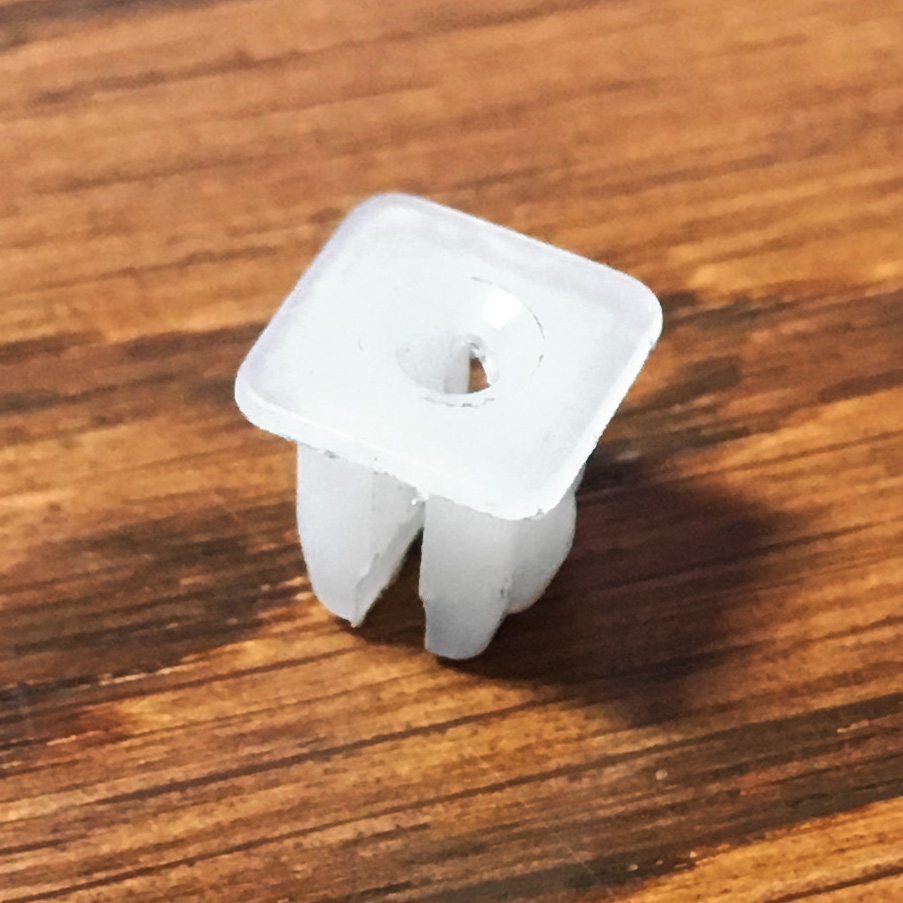
- Temporarily lift them by opening the CD tray and inserting a plastic piece to hold the star-wheel frame in the raised position. I use a small automotive panel nut for this. [attachment file=29638]
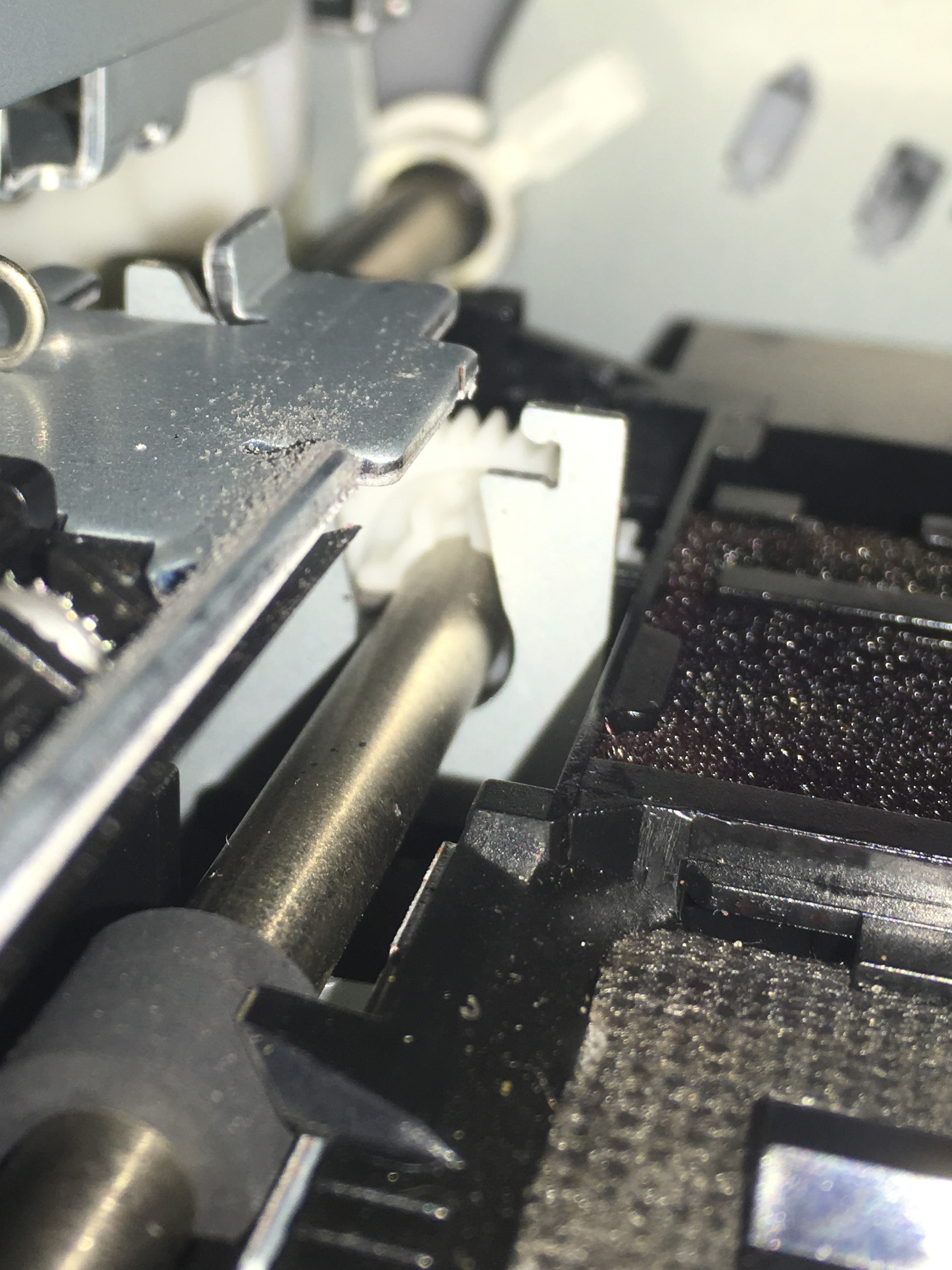
These pictures are from above looking at the left end of the carriage path.
[attachment file=29639]
The vertical tab with the notch is what the nut will go on. Normally when the CD tray is closed the raised frame to the left fits into the notch. We want to keep it raised.
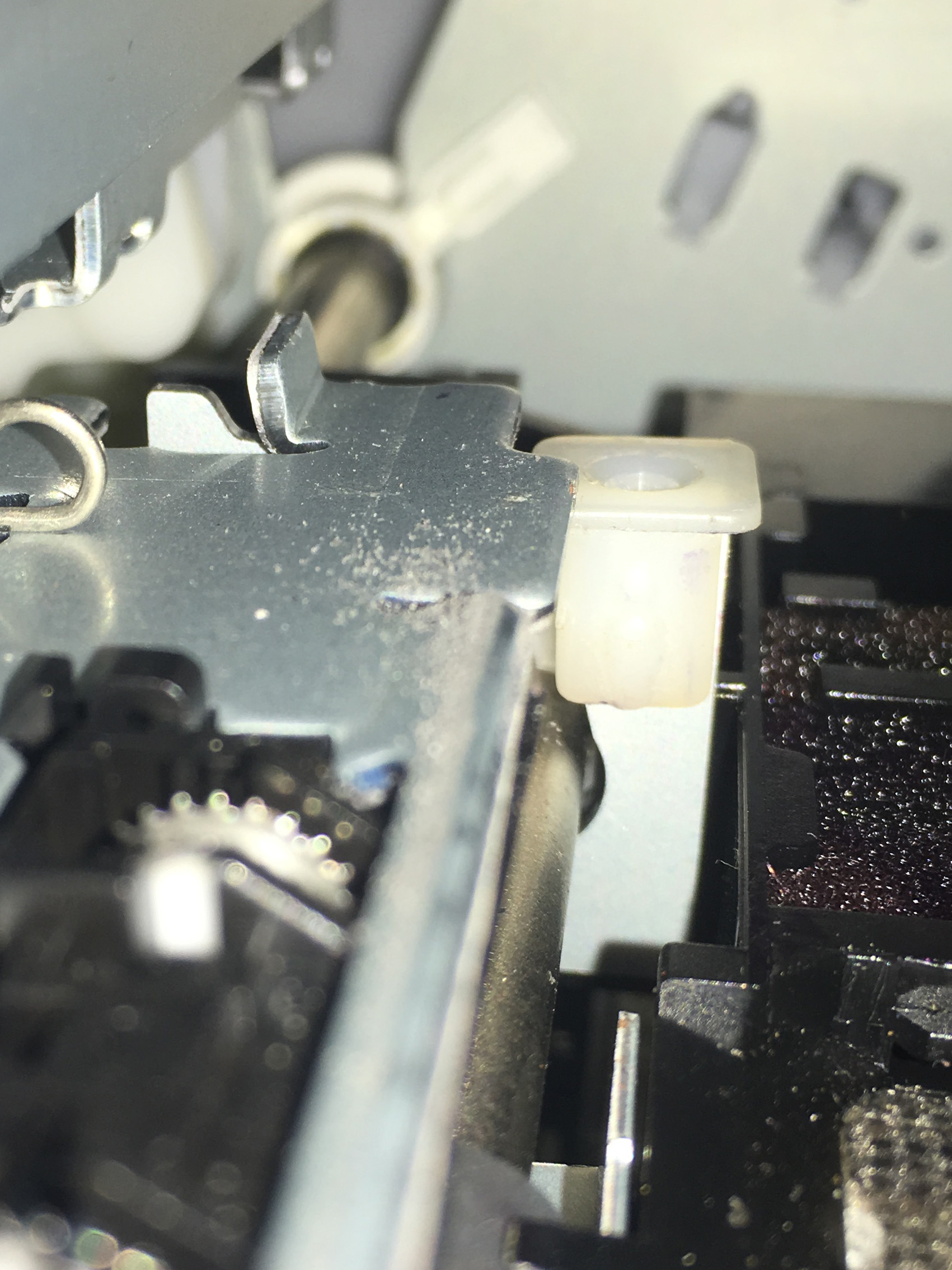
[attachment file=29640]
Nut in place.
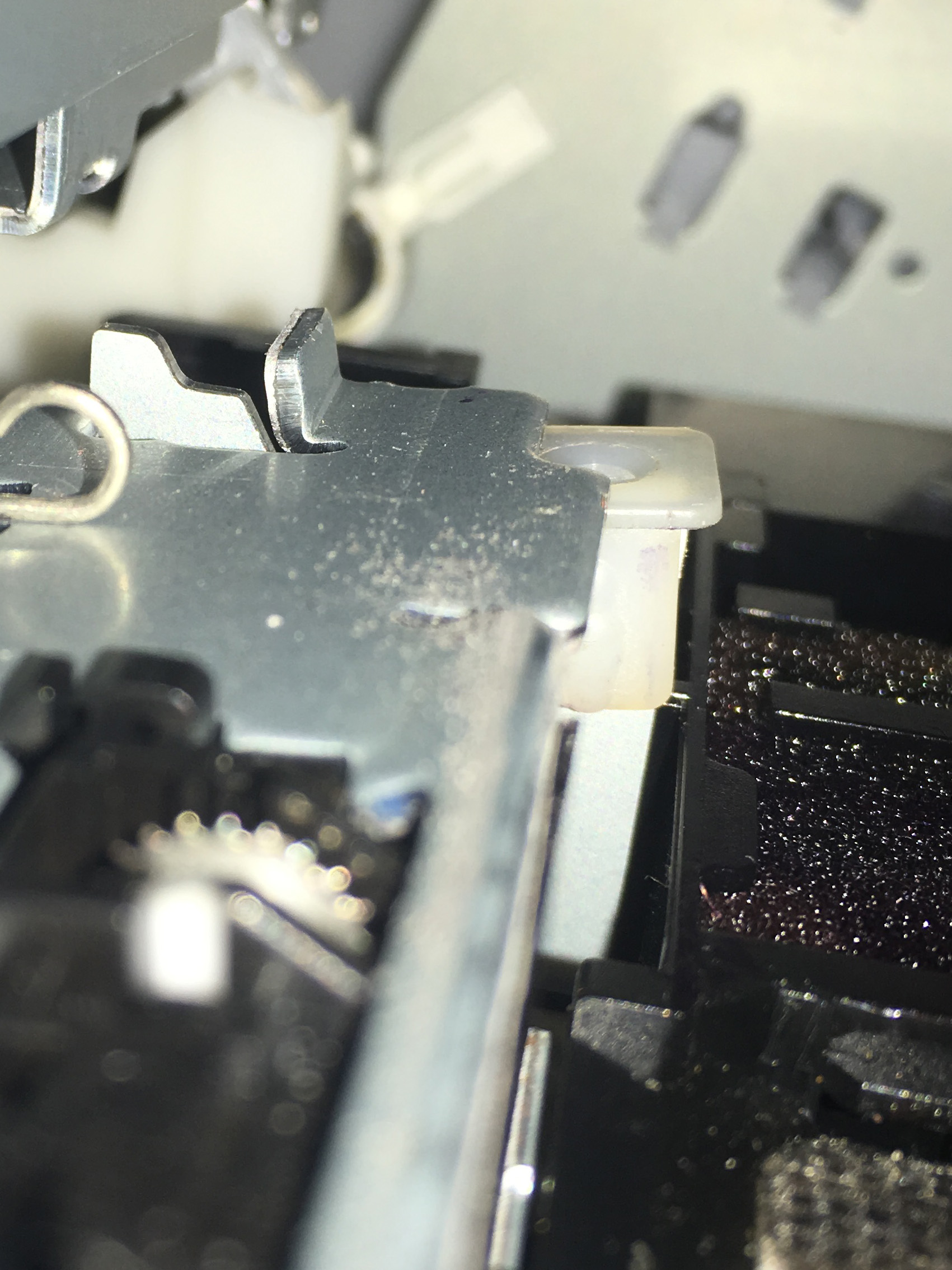
[attachment file=29641]
CD tray closed. Nut doing its job.
Be careful when removing the nut not to drop it! Been there, done that. It falls to the bottom of the printer where it will do no harm but it’s impossible to retrieve.
You will also need to leave a full inch of clear unprinted top margin and 1.5-2 inches of bottom margin, because that’s where the star-wheels are necessary for proper paper transport.