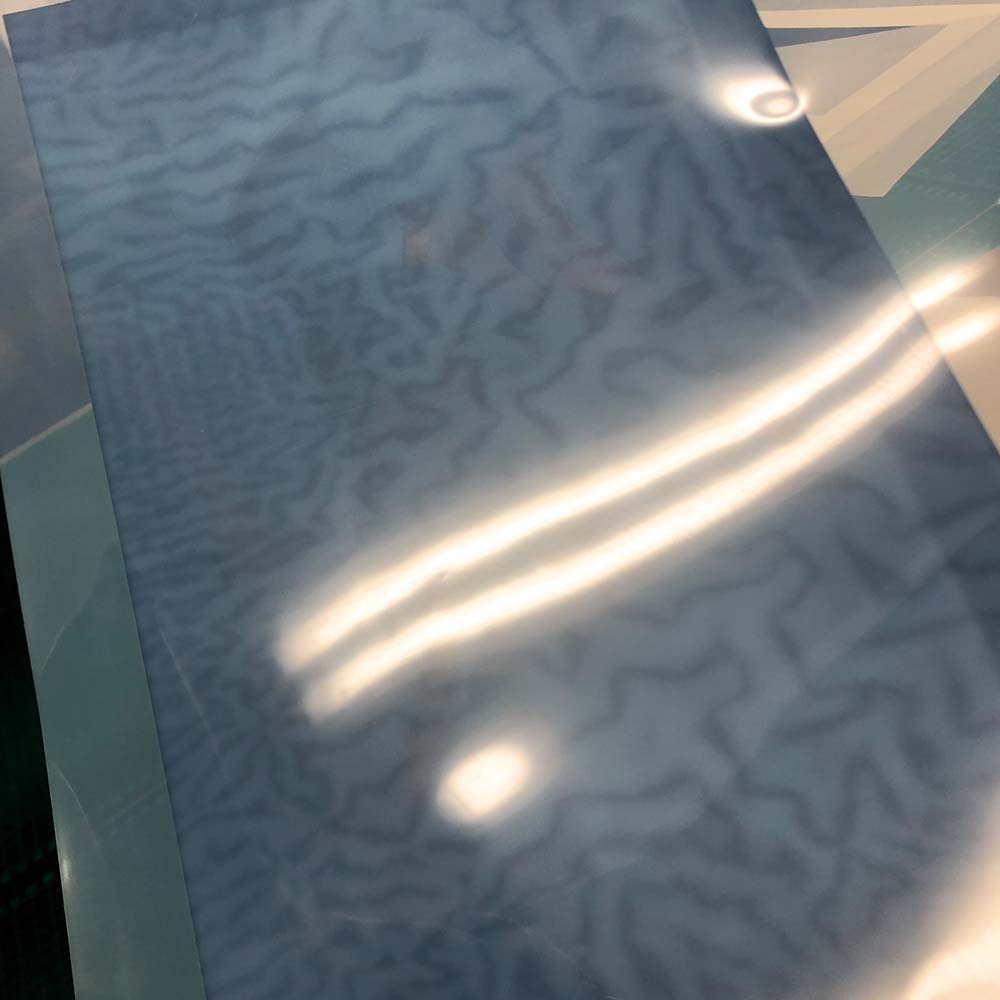
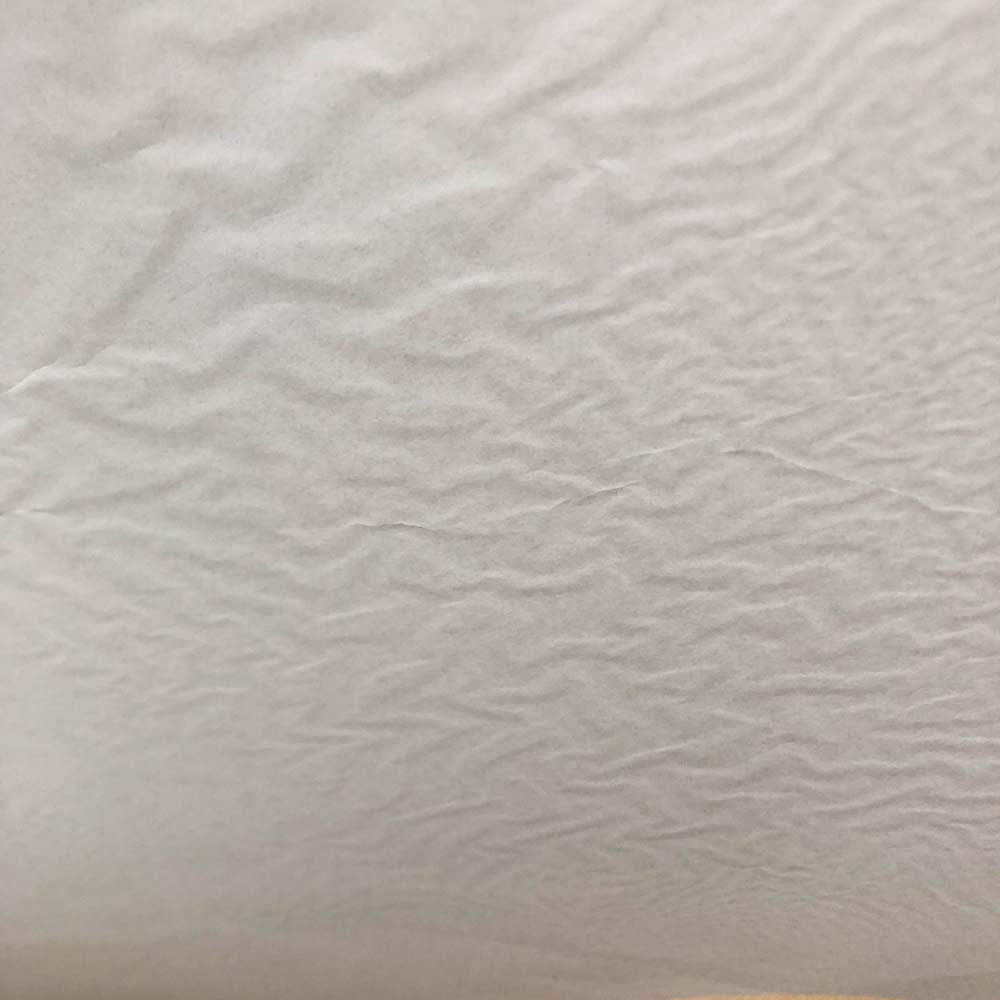
Marble effect appearing on the back of Pictorico Pro sheets while drying

I have found a strange ‘marbling effect’ happening on the back of printed sheets of Pictorico Pro that have been interleaved with tissue paper and left overnight to rest.

The marbling effect is clearly visible on the back of the Pictorico sheets and on the tissue paper that its been in contact with

Please see pics below

Have others encounter this and is there any advice as preventing this?

Thanks,

Neil

Neil,

Are you fully drying your film with an electric hair dryer before allowing the inks to rest against the interleaving? If you are not - you should hang the negative to dry for at least 24 hours before doing so.

I am also wondering now if you have a strange batch of Ultra Premium because of the swelling you indicated in your other post.

Are you using Ultra Premium OHP or regular Premium OHP or their White Film?

What is the actual name of the product you are using?

Rachel
IJM-TechSupport

Hello Rachel

Thanks for the advice / reminder to dry the film with an hair dryer. This I haven’t been doing. I will do so going forward and hopefully see an improvement.

Wondering if there are other, better products to use as interleaving? Would glassine paper maybe be a better choice than tissue paper?

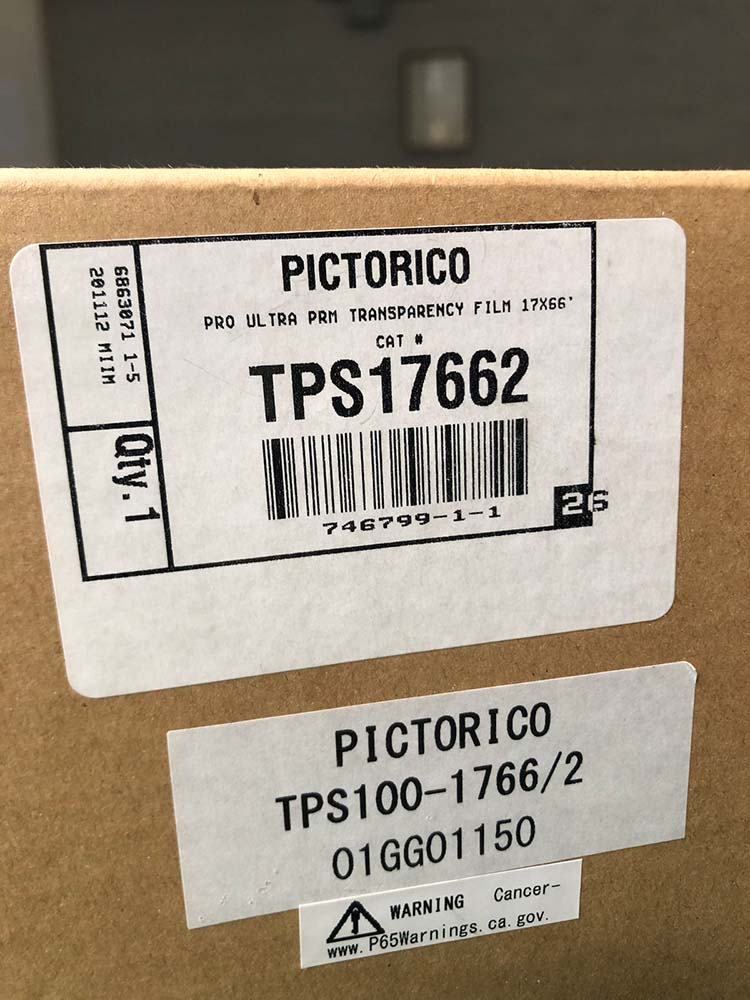
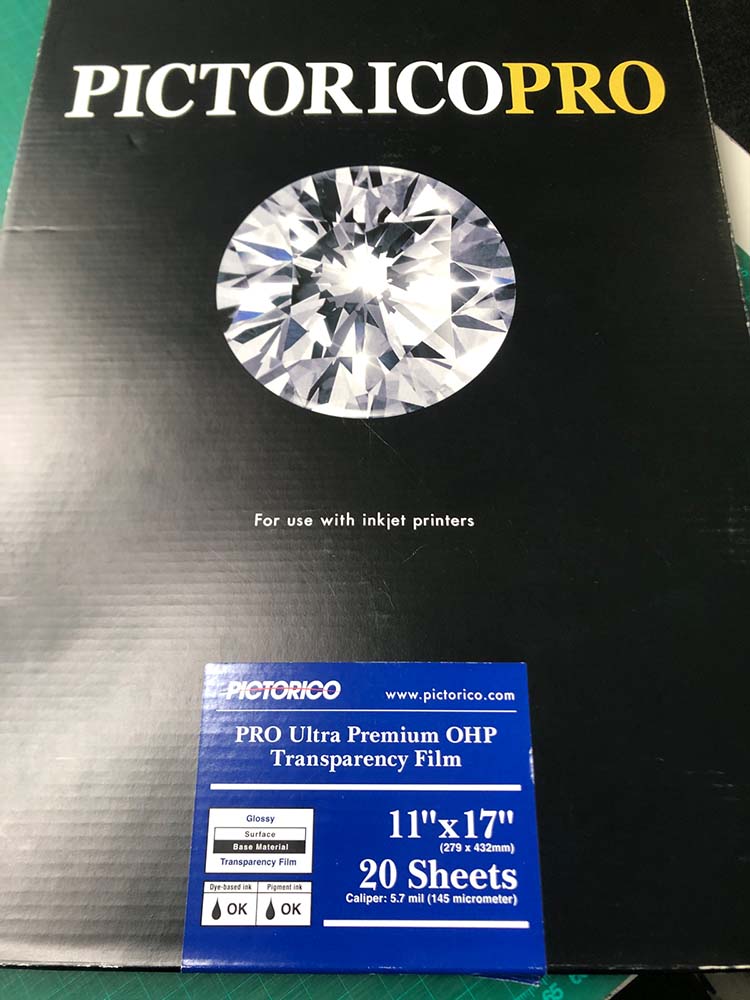
I think I am using the correct product, Pictorico Pro Ultra Premium OHP? I have a box of sheets, plus a roll that the client supplied (which we have been cutting sheets from) . The swelling/ink starvation mentioned in other post appears on both batches of film. Will post pics below of the boxes? Maybe I am missing something in the product name?

You’ve got the right film, Neil.

I believe that drying is the issue as the inks do take some 24 hours to fully cure. I will ask Jon @jon-cone to comment on the materials that are better suited.

Rachel
IJM-TechSupport

So drying the film is paramount.

Lately, due to the wisdom of @pmalde we have been taping an optically clear polyester film to the ink side of our negatives to protect each and allow it to be used indefinitely. For example, 22x30 platinum print negs are time consuming and expensive to make. For those we definitely tape the optically clear film to the ink side so the humidity of the platinum print process does not affect the film nor injure it by sticking to it during vacuum exposure. For those sandwiched negs we then wrap in a folded sheet of archival glassine paper and mark the neg name on the glassine if there is not enough room in the margins of the film.

Cone Editions is now managing a large platinum print negative library for a client offering reprints on demand. All of these negs are 22x30 or 20x24. Some are 30x40. Reprinting large negatives each time would not be cost effective for us nor the client.

If the film is for a one off print you would not need worry about any of this too much. A simple negative print sleeve works really well until it is time to use it. But, if the neg does need to be reprinted and the medium is hydrated above 50% the ink side needs protecting. You can also use a sheet of optically clear film between the neg and the sensitized media during vacuum exposure and recycle the optically clear film each time. It is not cheap.

Best,

Jon

thank you Jon and Rachel

Hi!
As already resolved above - but to confirm and concur: this “marble effect” is from the film coming into contact with another surface while not fully dry. The result, whether placed in contact with paper or acetate, will appear as an anomaly on the negative because ink has peeled off the film and onto the interleaving paper or acetate.

So, thoroughly air drying the Pictorico film is very important. I leave mine face up on a screen, or hanging, for 24 hours or so. I then place the film in gently flowing warm air (100F or 40C) for about 10 minutes, before placing the acetate sheet that Jon mentions above. Acetate protects the negative, but also serves another important function…

The acetate should be optically clear. More critical, though, is its thickness. When printing with a Cone UV unit (or any diffuse source), a gap between the negative and the paper that is greater than about 0.05mm will visibly diffuse the image and affect sharpness. So, I find that 2mil acetate ((2mil= 0.002 inches = ~0.05mm) is ideal. 1mil becomes too thin and difficult to handle, 4mil will affect image sharpness. The very slight, and almost undetectable diffusion resulting from a 2mil gap, actually ‘blends’ the dots of ink from the printer. The printing-out process is so highly resolved on smooth papers like Revere Platinum, that these dots are actually visible with a 10x loupe. Placing a 2mil acetate sheet diffuses these dots without compromising image sharpness, and ends up rendering a platinum/palladium (or any other alternative process) print that is perceptibly smoother.

Yes, chuckle. How can print sharpness be undetectable but perceptible? The former is something one does not see with the naked eye, and the latter, well, I’d like to think is what we feel with the inner eye. :slight_smile:

This from Gaylord works well, and is affordable. 2 mil Archival Polyester Sheets (25-Pack) | Archival Envelopes, Sleeves & Protectors | Preservation | Gaylord Archival

There are other suppliers, and the material is also available in rolls. Essentially, you are looking for archival polyester sheets. It is optically clear.

I hope this helps.

Pradip
2 Likes

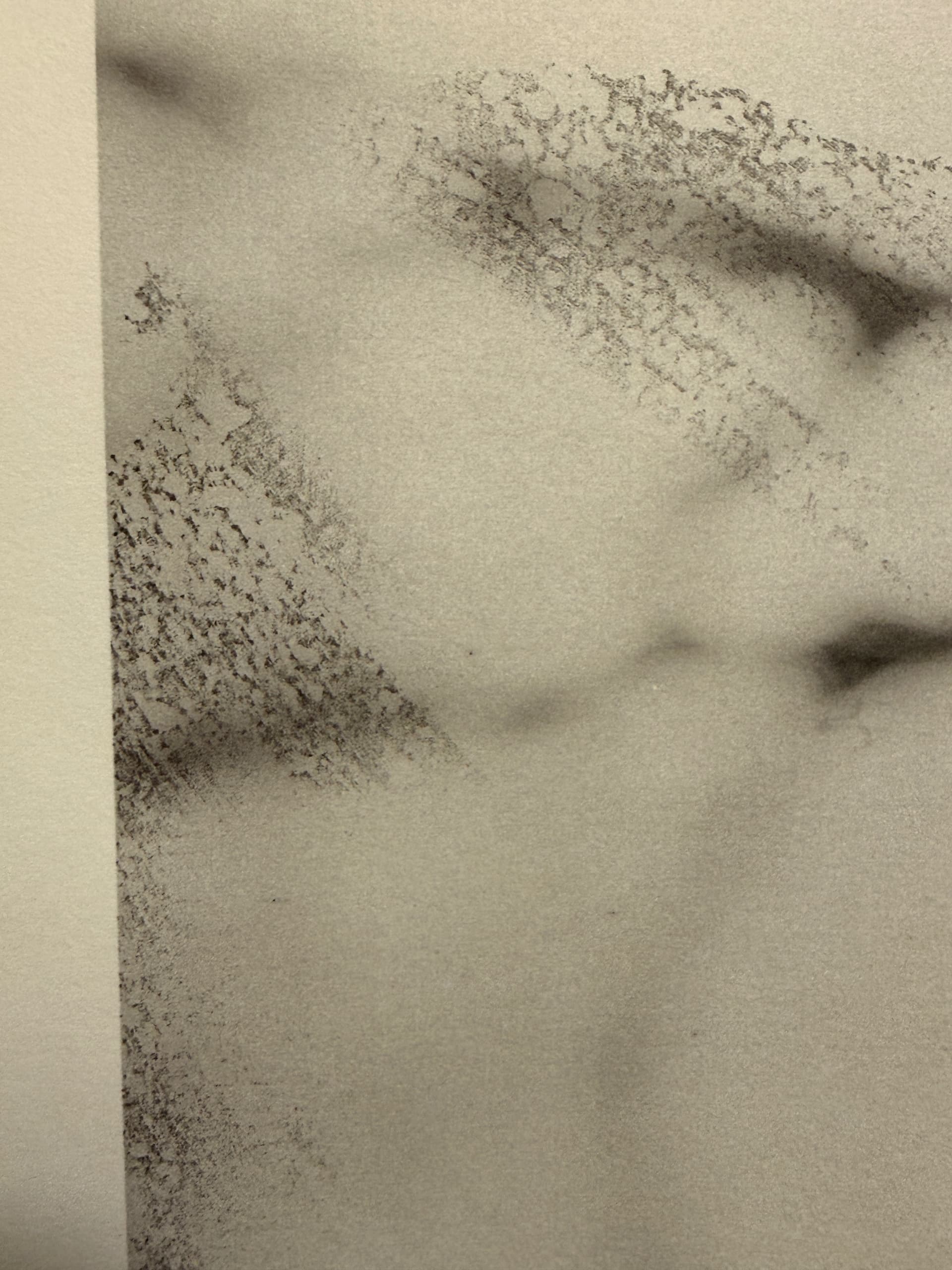
Here’s a photo of what we are talking about, as it appears in the final print.

1 Like