I had to abruptly halt the linearization of my new Epson SureColor P6000 earlier this week. I had jumped the gun and began trying to linearize before the ink change from pigmented color to Piezography Pro was complete. I wasted many days doing printing, waiting 24 hrs to cure and measuring the next day, so I could repeat the process.
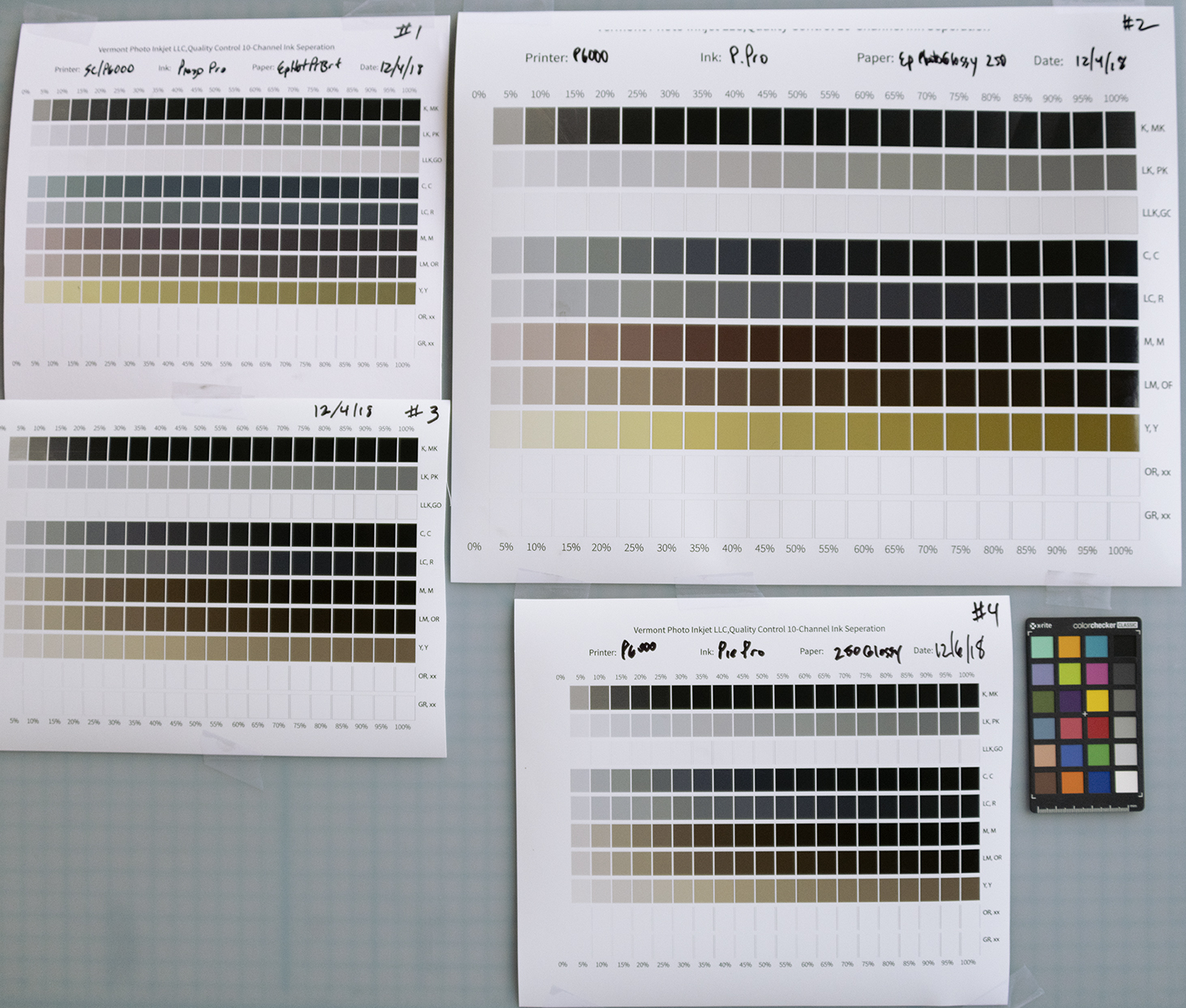
Only after raising the issue & seeking help did I realize I was spinning my wheels until I was printing pure warm & cool tones. As directed, I printed 7 ink purge images on 20 lb. bond paper. It looks like things are settling down and the color is getting cleaned out. #1 (upper left) shows cyan cast in lighter (15-25%) in the Cyan (Cool Dark) channel.
After running flush sheets the 21-step target #4 (lower rt of the top image & also the bottom image) shows much less cyan ink contamination in the lighter tones of the 3 cool channels. The 3 Warm channels don’t show as much improvement from what I can tell, but I really don’t know how these are supposed to look.
I started out running 3 purge images side by side on a 24" x 8" 20 lb bond roll over and over.
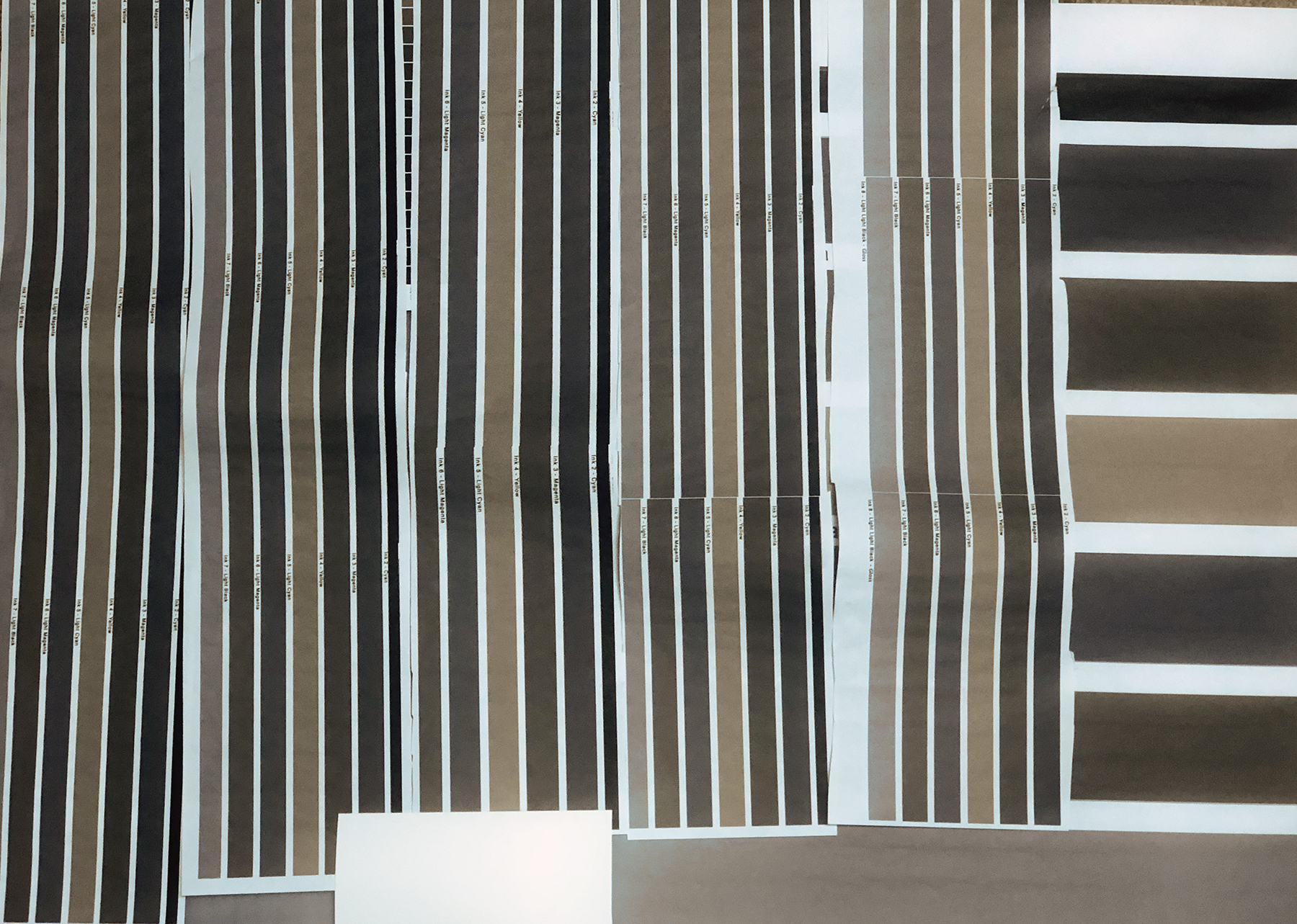
Then I switched to a 24" x 12" size.
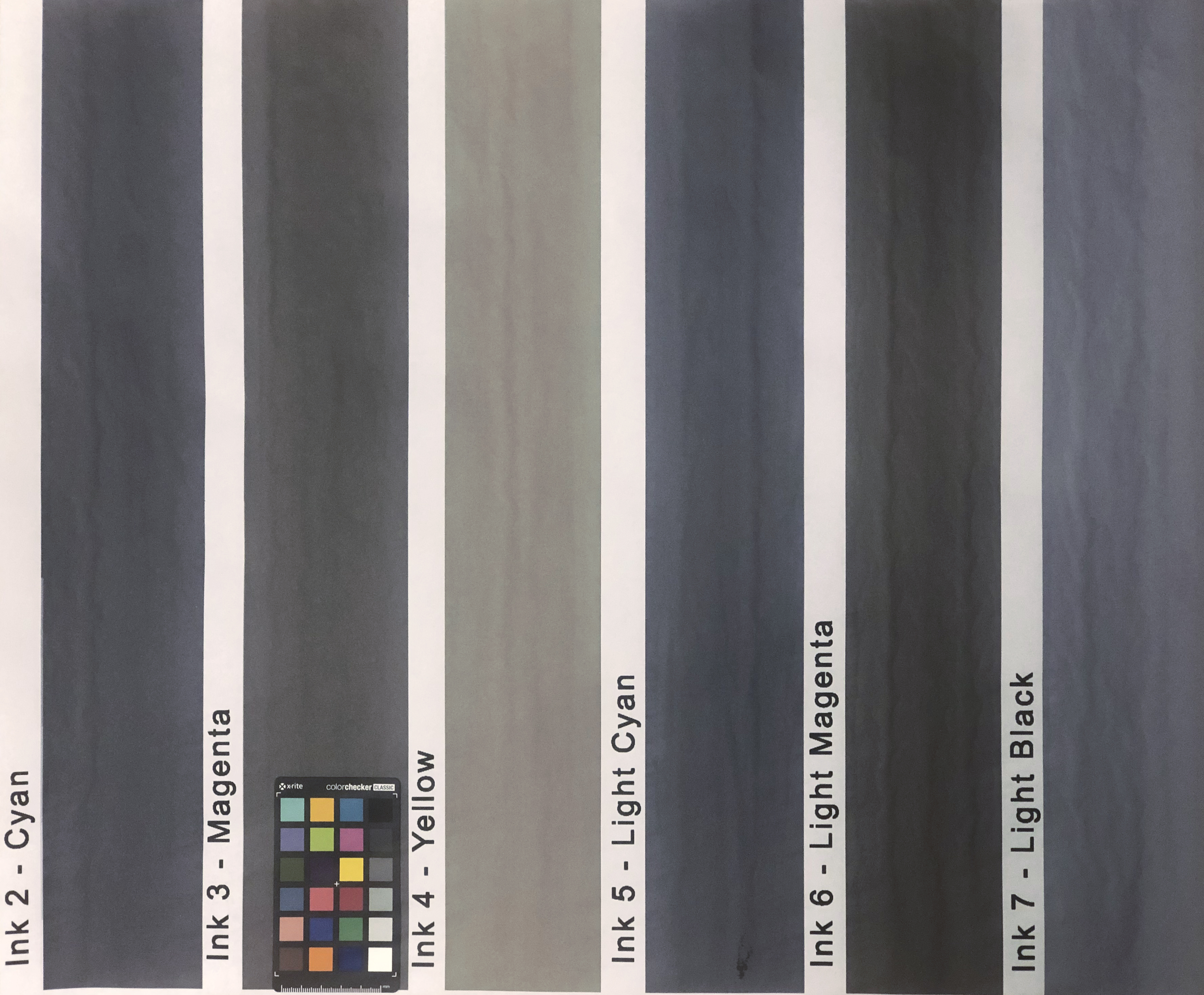
I can continue the purge prints using QTR Calibration mode if you think I should, Walker. The 21 Step target in the top photo marked #4 and dated Dec 6 (also enlarged below) was run after all the purge prints in the 2nd & 3rd photo.
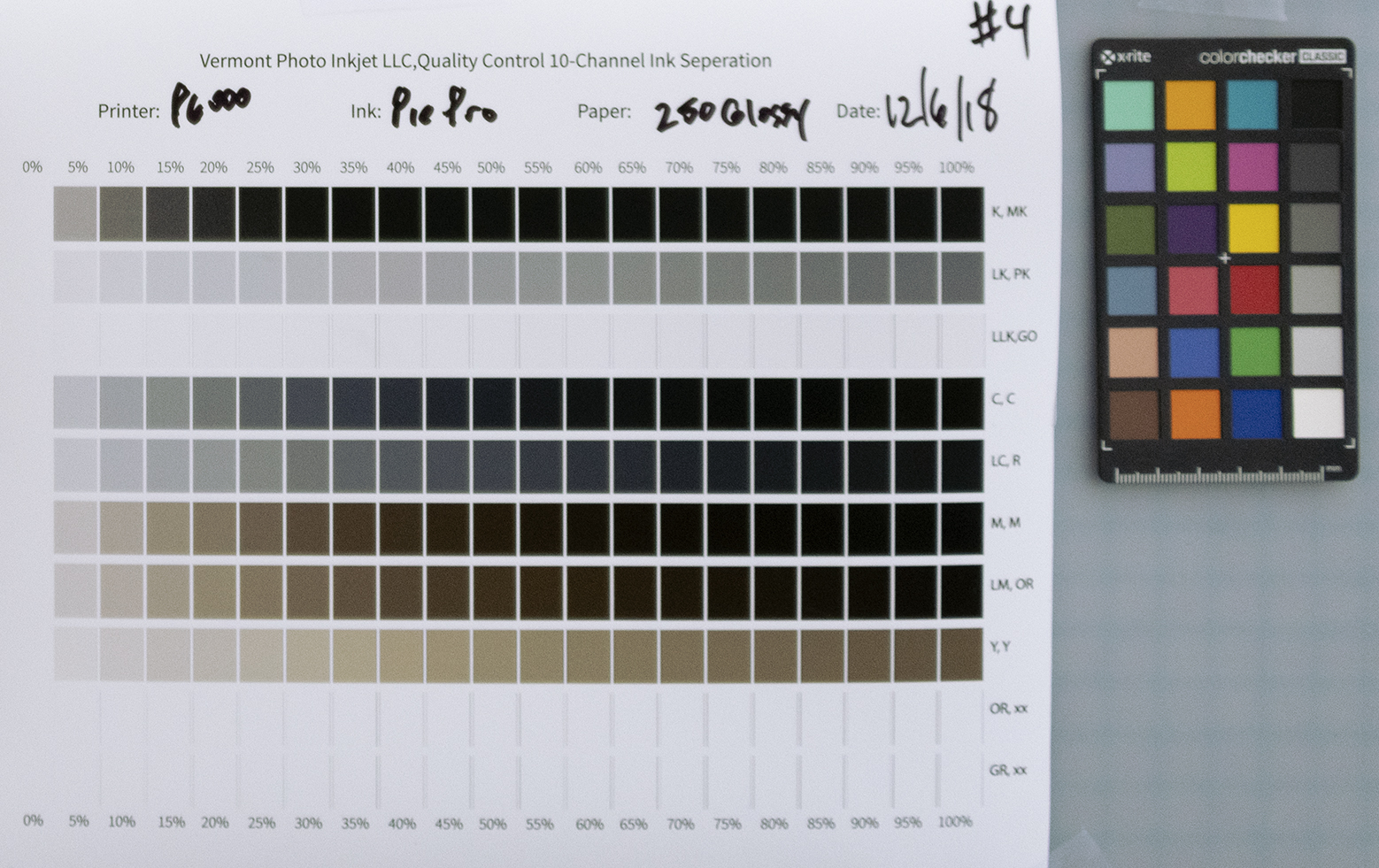
This pretty much represents where the system & process sits today, as I step away from the studio for about a week. I’ll try to remember to gently shake the ink cartridges when I return.
Steve