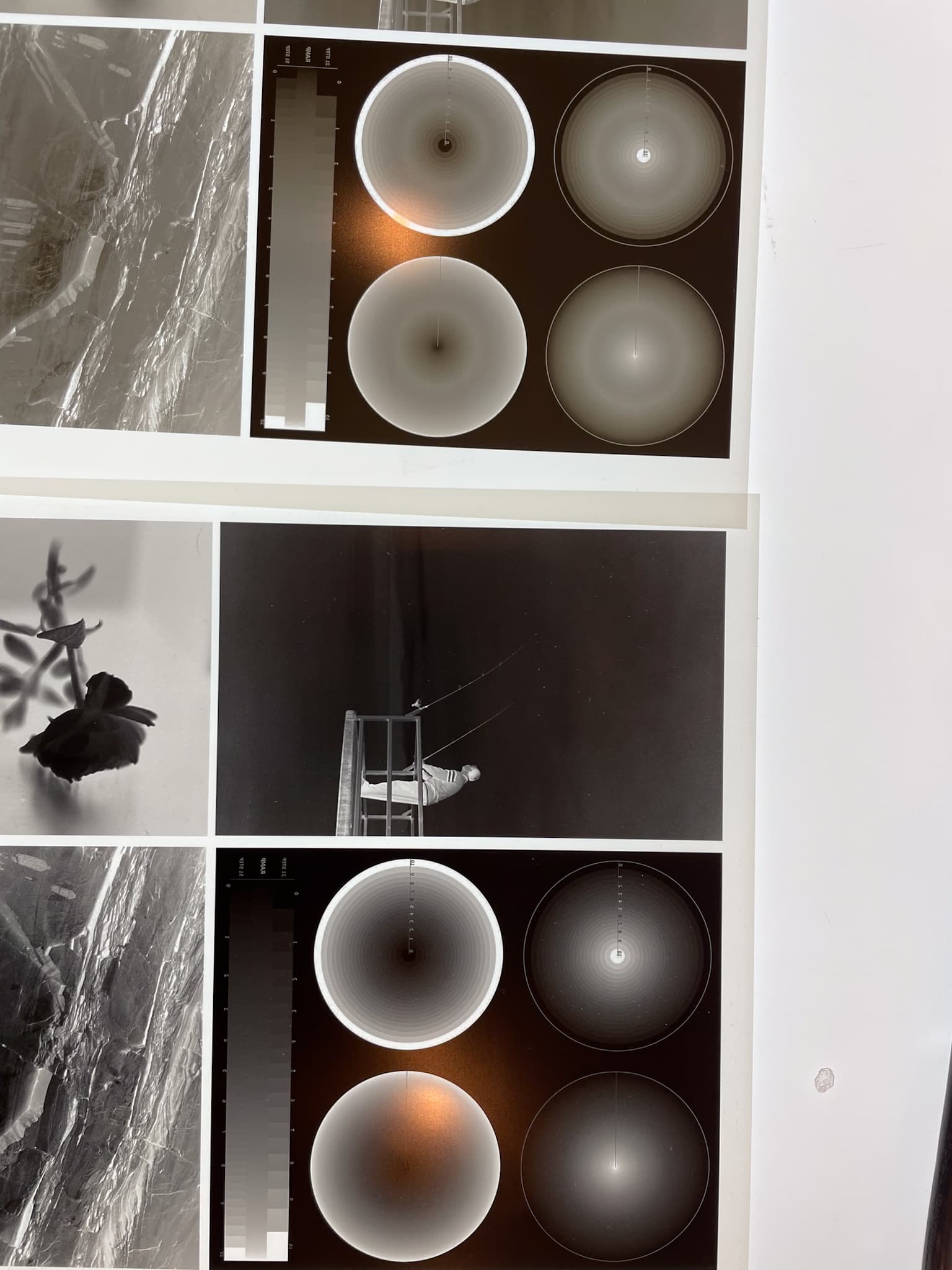
I have purchased an epson p900 from England and am in the process of trying to set it up. I have been using an epson 3880 with the k7 selenium inks for over a decade and it has been great. I know this ink is being discontinued but I had most of the inks except I was low on shade2 and shade 6. So I bought some and after refilling the cartridges, everything has gone bad. I am attaching three pictures. One picture shows a control image that I print to verify the new quads are good. When my images starting going bad, I printed this image with a quad that I know is great and the tones are now awful. Old and new are included in the image.
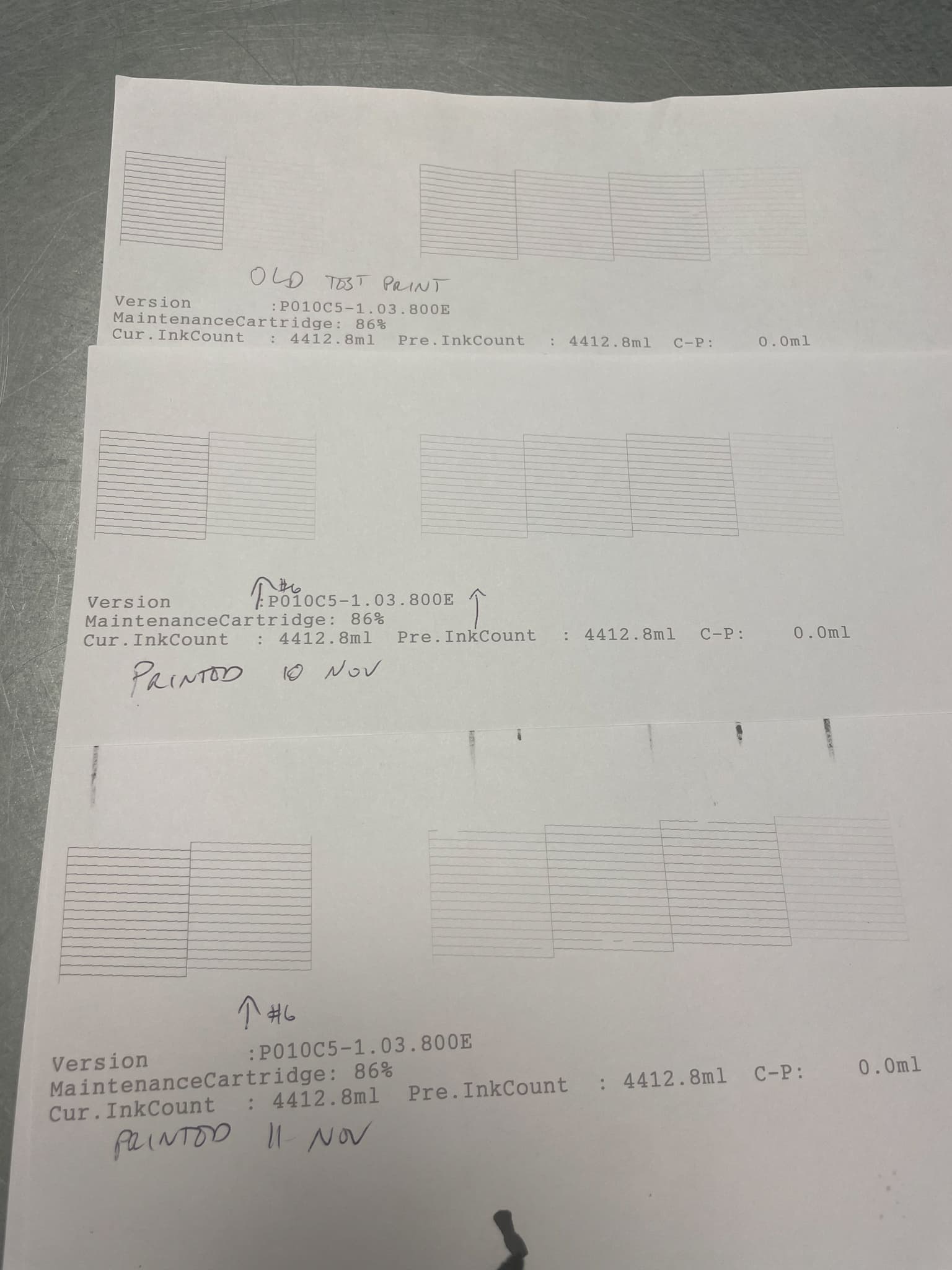
Then I printed out a nozzle check and I could see that shade 6 was darkening and shade 2 was lightening. I tried to flush some ink through the line and both channels kept shifting in the wrong direction. The image shows (from top to bottom) an old nozzle check, my nozzle check from monday, and my nozzle check from today.
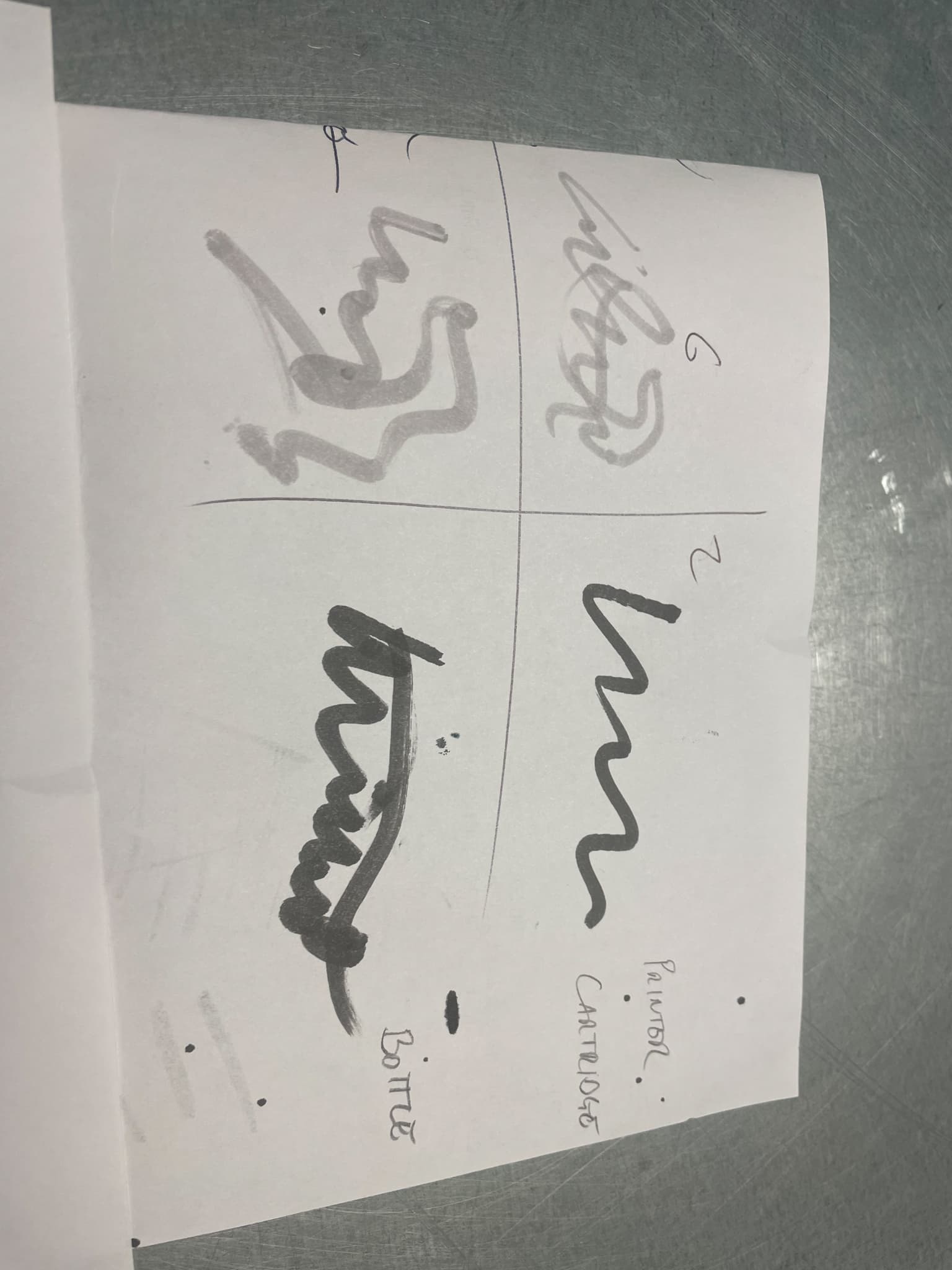
Just in case I put the inks in the wrong cartridge somehow, I mixed the cartridges and bottles yesterday and then today I used a q-tip and pulled ink from each bottle and each cartridge and drew on a piece of paper. They all look correct but when I print, 6 is darkening and 2 is lightening.
I would love to run this old printer into the ground or until the inks are completely gone (I still have plenty of ink) but can not figure out what is happening. Any ideas what may be happening?
Hi Travis,
Is this nozzle check group from your 3880 printer or your EU-P900 printer?
Rachel
IJM-TechSupport
This is for my 3880 printer.
You’ve confirmed the inks are correct in both bottle and cartridges that you put them into.
The nozzle check does not follow the ink layout in the cartridge bay. Cyan (shade 2) is in slot # 5 and Light Black(shade 6) is in slot #3. Is there some chance the labels came off your old carts because it does look like a classic mis-fill or cartridge swap.
Can you confirm that you put shade 2 in the Cyan cartridge in slot #5 in the printer and Shade 6 in the Light Black cartridge in slot #3 in the printer?
R
Yes. That is why I am confused. Shade 2 is in the Cyan slot #5 and Shade 6 was put in Light Black in slot #3. The image I sent earlier where I used a q-tip to scribble on paper was my test to verify that the bottles and the cartridge inks were matching each other. I just double checked again with someone double checking to make sure I’m not losing my mind. I’m at a loss.
I am too!
Both your nozzle check and a print show mismatch shades. Therefore it is not software corruption.
With your mind intact (am glad about that!) it leaves hardware.
Usually but not always a very dirty capping station can result in ink being sucked into other ink channels. This is not that uncommon. However, the ink prints out rather quickly. I do not know if it is worthwhile or not for you to run a Cyan only purge using a Cyan QTR target in Calibration mode to see if it turns from light shade 6 to dark shade 2. Make sure you do not have auto cleaning turned on so it prints the entire sheet without pausing to clean itself.
So a dirty clean station confirmation by QTR calibration mode for Cyan across an entire sheet in which case you need clean that printer, or rewrite the curves in PPETv2 and see if you get a normal print by swapping data between Cyan and LK. Could be a squirrel snuck into your studio and changed the ink lines. I am reaching deep inside a hat for a rabbit!
R
Hi again, Travis!
I had Claude AI filter through the tech from the 1990s through the 2020s. It turns out that this sort of thing was actually common on the IRIS printer systems we sold when customers would switch the connectors to the four nozzles when they were doing maintenance. But, then I got a hit on an EPSON Stylus 3000 in 1998. A customer with a ConeTech MultiTone system had warm and cool switched when they selected the correct ICC. ICC was still in its infancy back then and we used it to deliver quadblack tables. But after a lot of back and forth it was determined not to be software and not our pre-filled ink carts either.
In the end it was a board in the printer that needed replacement. EPSON determined that after testing it with color inks and two of the four ink channels were switched both in nozzle test and printing just like what is happening with you. But that is the only switched ink channels tech issue I can find.
If you’ve verified that your inks and carts are bonafide and the calibration/purge test did not change anything - then rewrite your curves and run the printer as long as you can with whatever electronic mechanical issue it has that is switching those two channels.
Try rewriting a single K7 curve, test it, and let us know if it works.
Best,
Jon
Thanks for the research Jon,
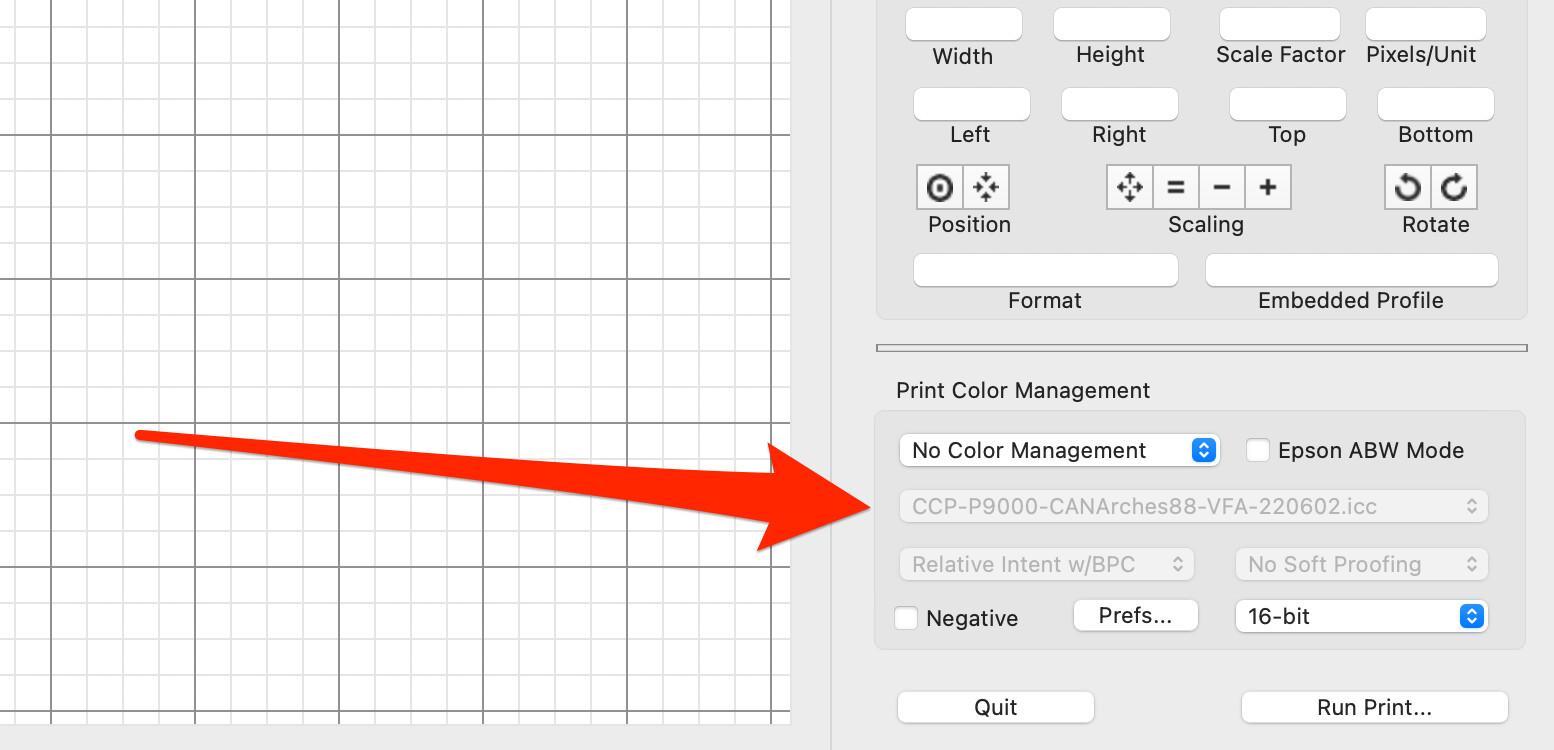
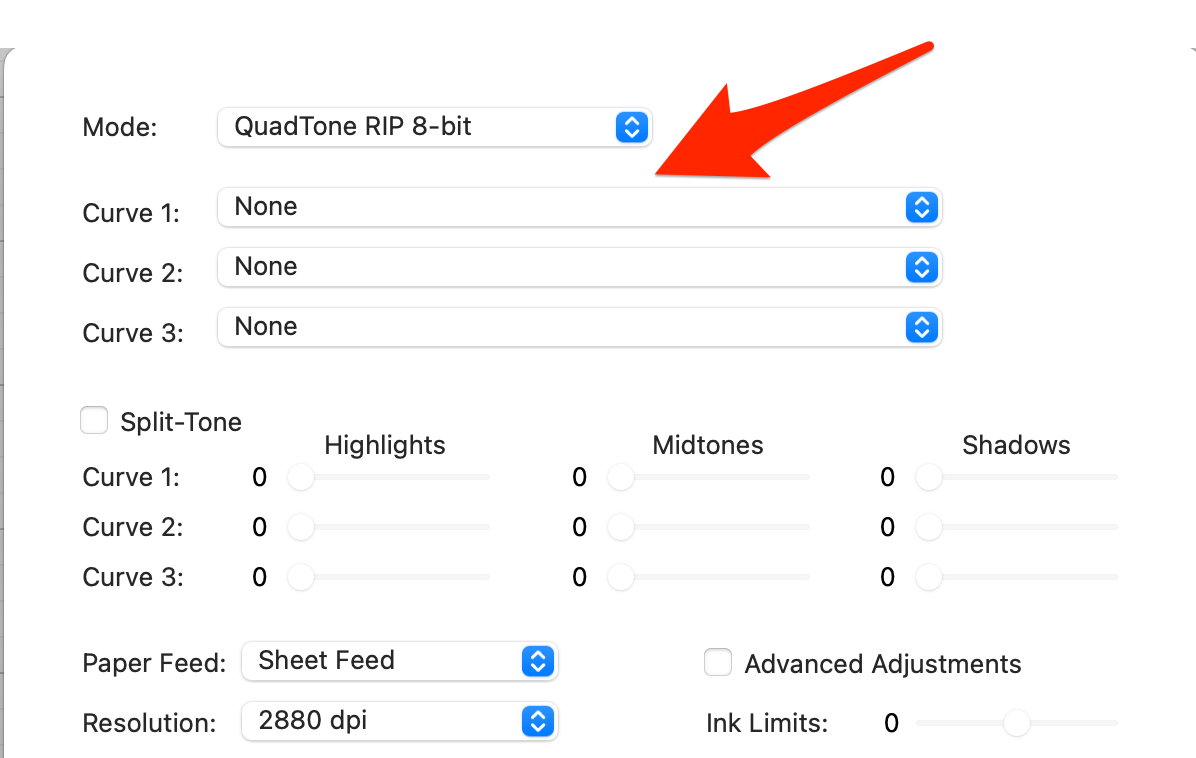
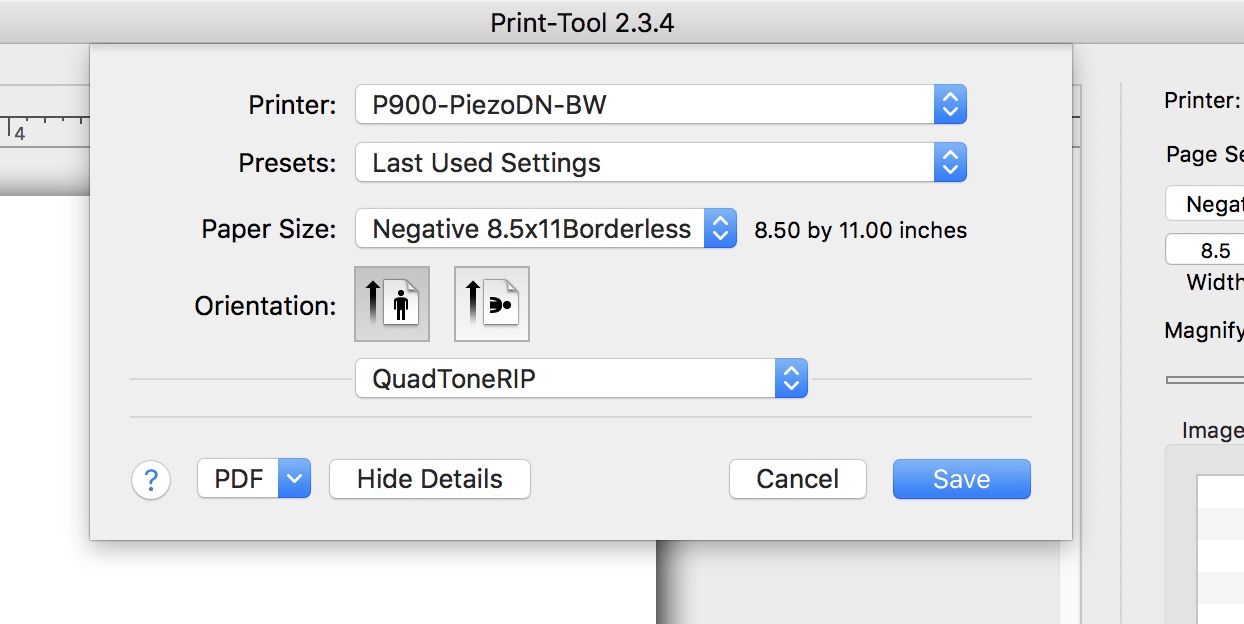
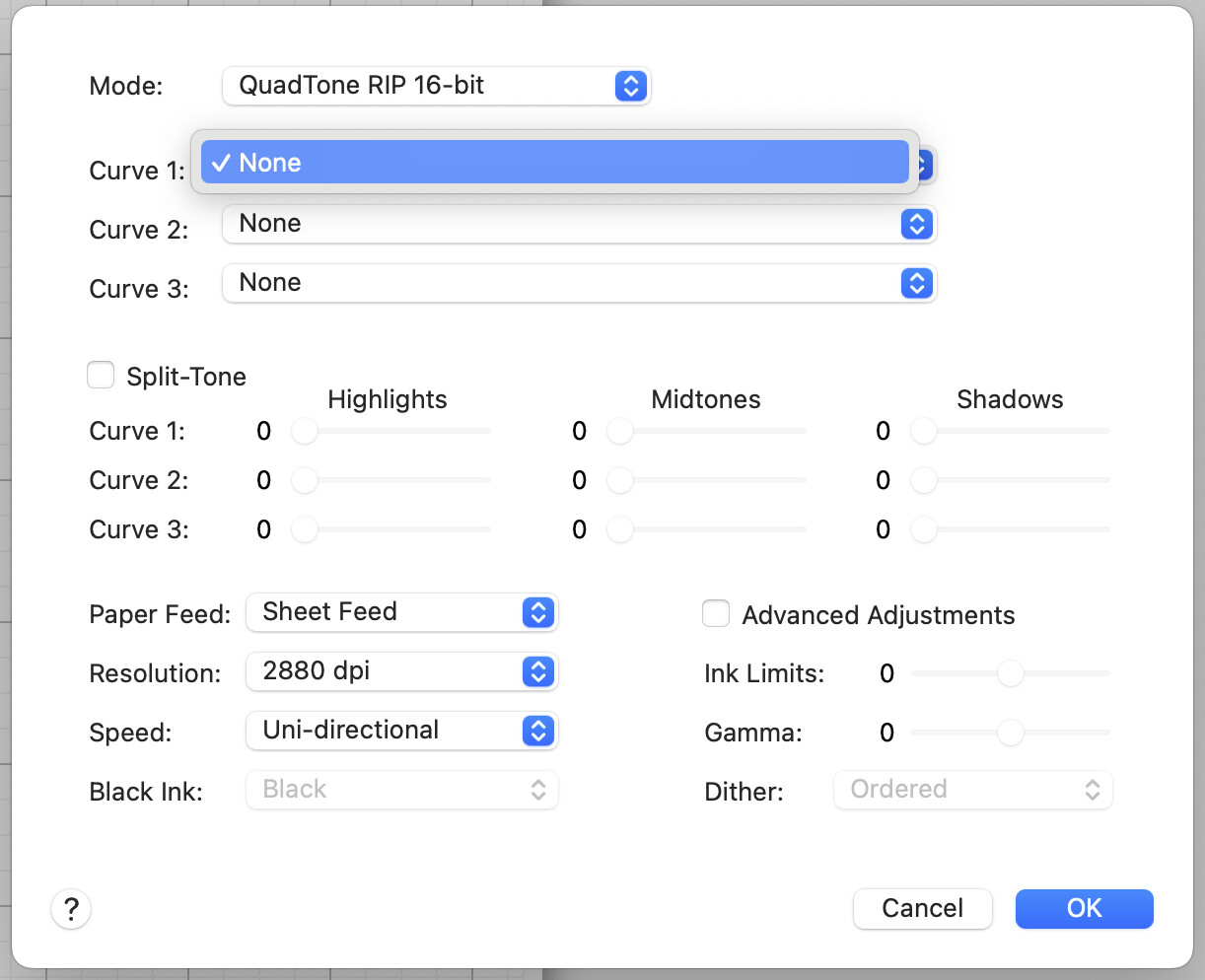
I will try rewriting a single K7 curve if after I try the calibration/purge test the problem persists. Currently, as mentioned in my other question, I can’t get to the calibration option because QuadToneRip is not showing up in Print Tool. When trying to get the P900 going, it somehow broke my old setups as well. Not my best troubleshooting day.
Hi Travis,
For clarification
When you write the above
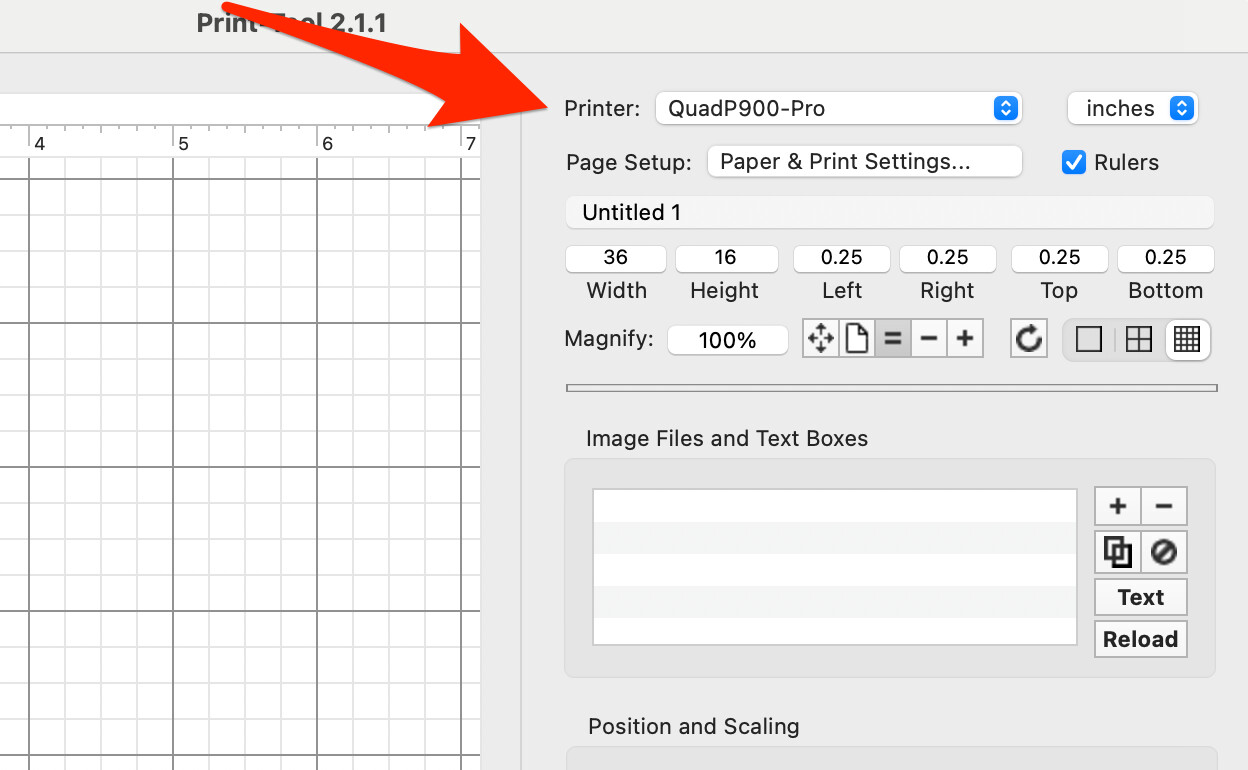
- Do you mean that your Quad Printer is not appearing in Printer here:
- Or are you expecting curves to show up here?:
- Or do you mean here:
Please let me know what you meant 1, 2, or 3 or a combination.
Thanks,
R
It is option #3. You get further than I do though. All I get is the name QuadToneRip and none of the curve options appear. The first image shows my attempt on an older computer with the OS just before Monterey. The second image is from my laptop running Sonoma. (I tried a second computer just to trouble shoot. It got further and brings up options but the curves drop down is empty.
You should probably start from scratch and do complete reinstallation of both QuadTone RIP and Community Edition software. Then install your curves. Only install the curves (Quad printers) by command.line. Look for permissions errors in terminal when installing and remedy if needed. Do not manually change things like printer names. They are there for a reason.
Let me know what happens or if you have more questions.
R