I’m new here, so please forgive me if similar topic has already been answered.
It was a steep learning curve to get my P700 to work with Piezography PRO inks, but results out of the basic curves are great already. Really looking forward ot learning more.
On that note, the whole idea of my P700 conversion was to eventually start printing DN. I struggle to find the necessary files, though. They aren’t in applications–>Piezography–>curves.
I am about to start experimenting with Piezo DN on an EU P900. Are there any more curves for the P900 since this post 2 years ago? There are none in the PiezoDN download.
That’s very odd. P900-Pro-PiezoDN-Master.quad is definitely a negative curve that produces a negative from a positive image.
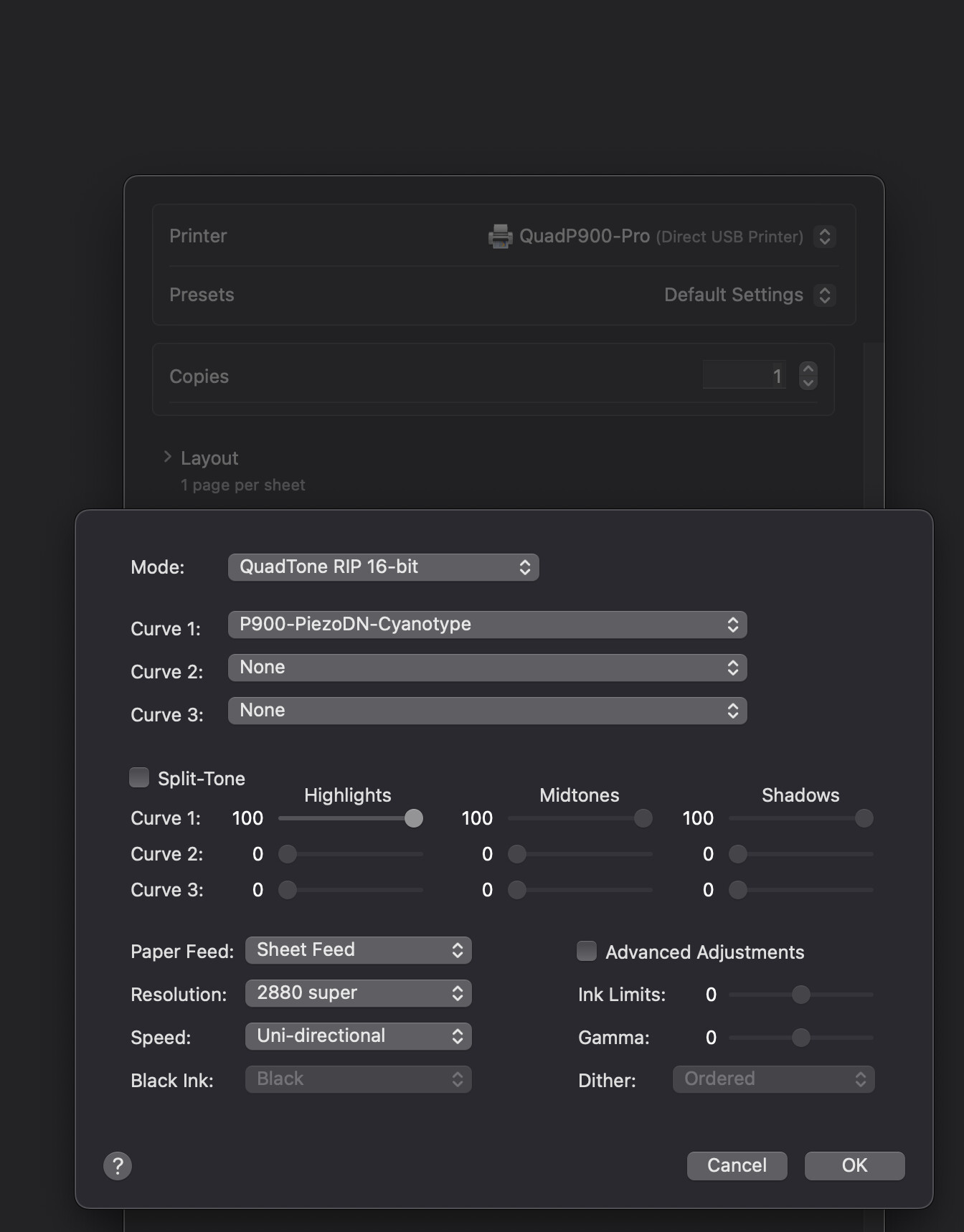
OS X is not playing very well with printing dialogues and always check your selected curve just before you hit the print button because settings are not being saved (as you know from your work around) If a curve is not selected you would get a very dark positive image.
I have just realised that I may have to install a new printer for PiezoDN. I am running the curves through my Piezo community edition. Could that be the problem?
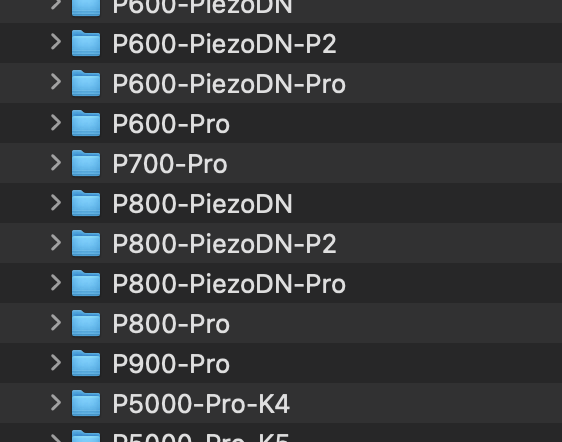
If so I have no P900-PiezoDN-Pro folder with the script. Only the P900-Pro.
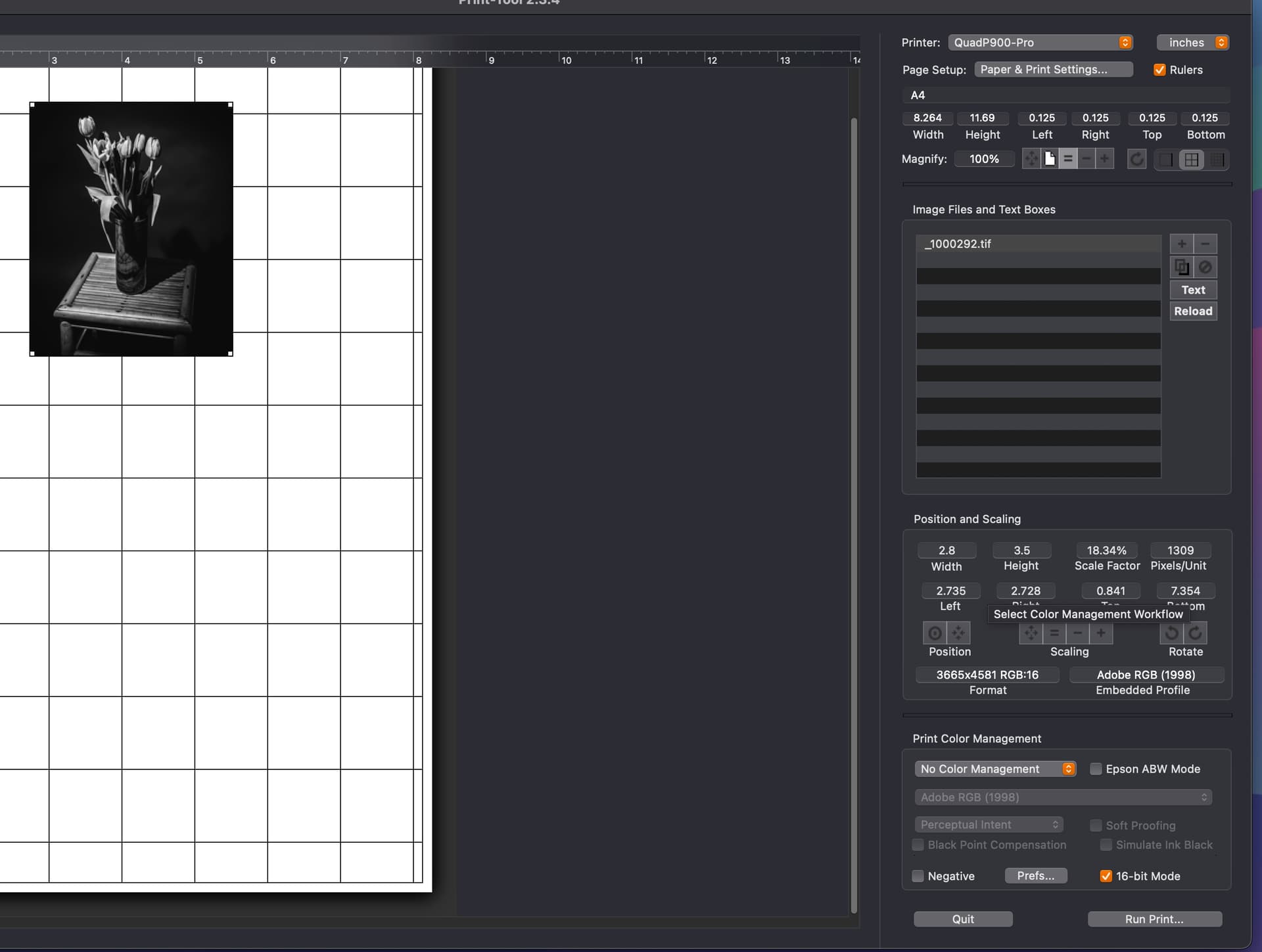
You haven’t checked Negative in the PrintTool so that is not the reason.
Print it with a regular Piezography P900 curve designed for inkjet paper. If you end up with a negative then you have quite a strange setup! Let me know what happens.
Your system seems to be the first setup that is printing negative curves as positives!
Just as an additional note to be clear. When I installed the PiezoDN software I ended up with lots of PiezoDN install folders but not one for the P900.
So I am using the regular P900 printer install but with the DN curves. The printer is printing positive prints just fine. I have linearised many curves for the papers I use and it has been working OK. I only just started getting ready for digital negatives, but now I am stuck.